
My Wheelie Bins
Never miss a collection day again
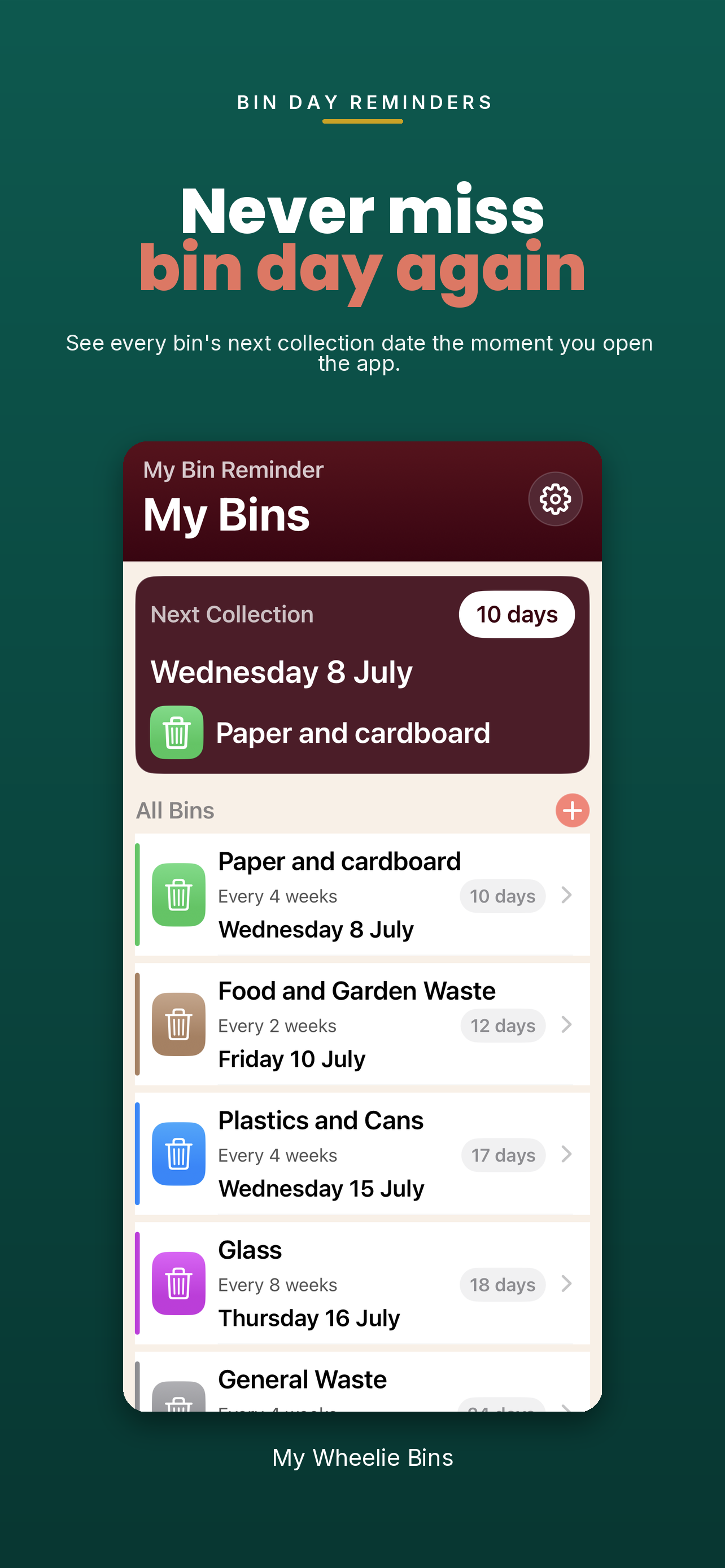
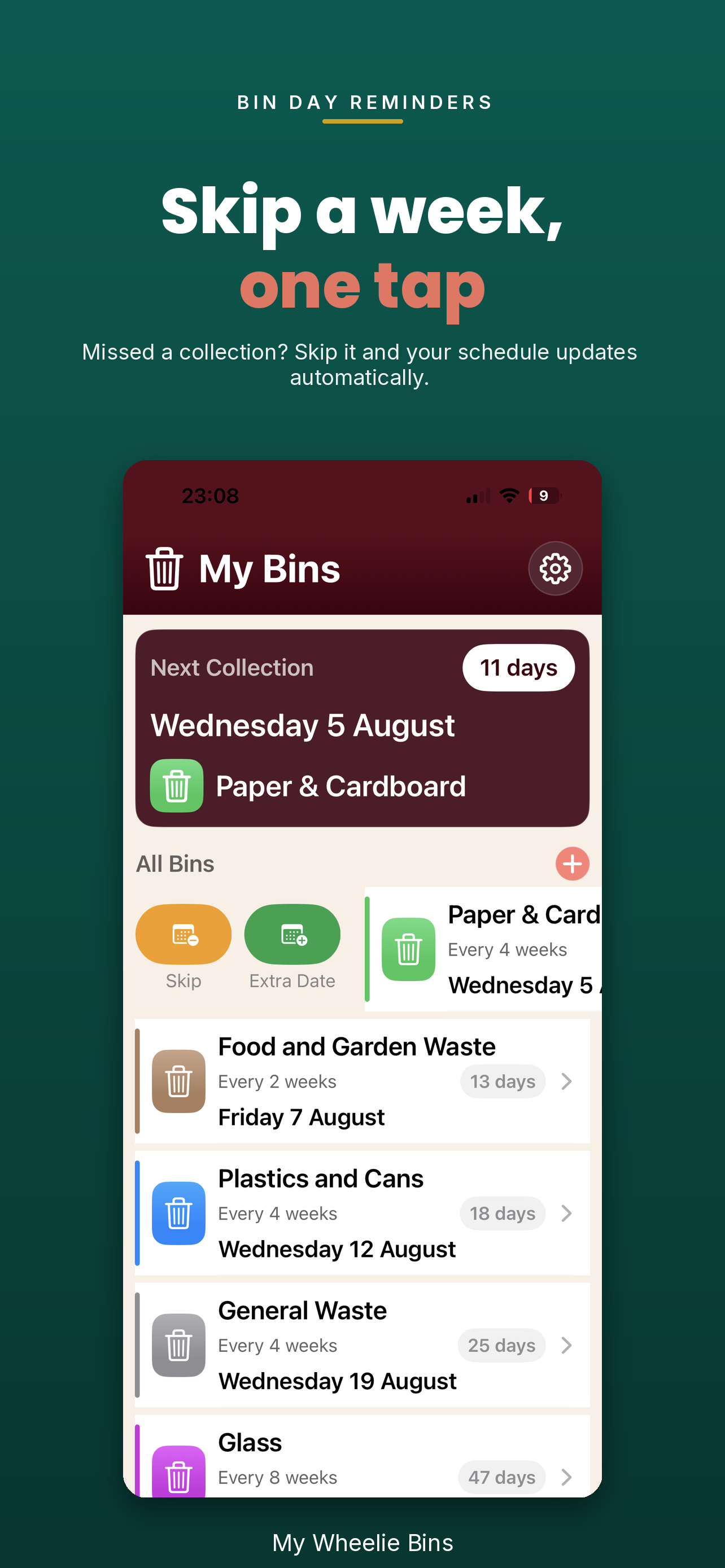
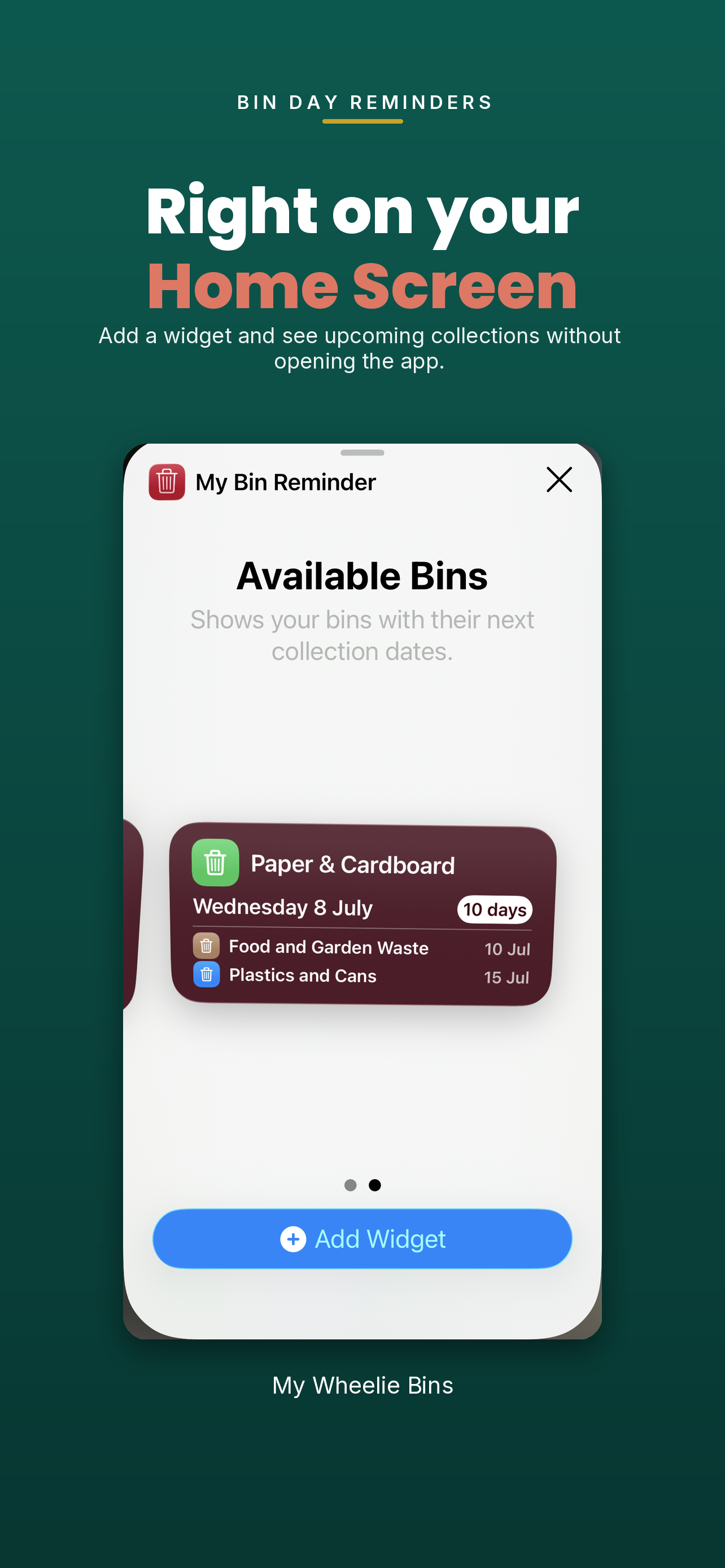
My Wheelie Bins helps you stay on top of household bin collections without the last-minute rush. Add each bin once, choose a colour, set the next collection date and repeat schedule, then let the app remind you the evening before collection with an optional morning nudge on the day itself. See your next collection at a glance, use Home Screen widgets, share schedules with your household, and handle skipped or one-off collections without disrupting your regular routine.

Frequently Asked Questions
How do I set up my collection schedule?+
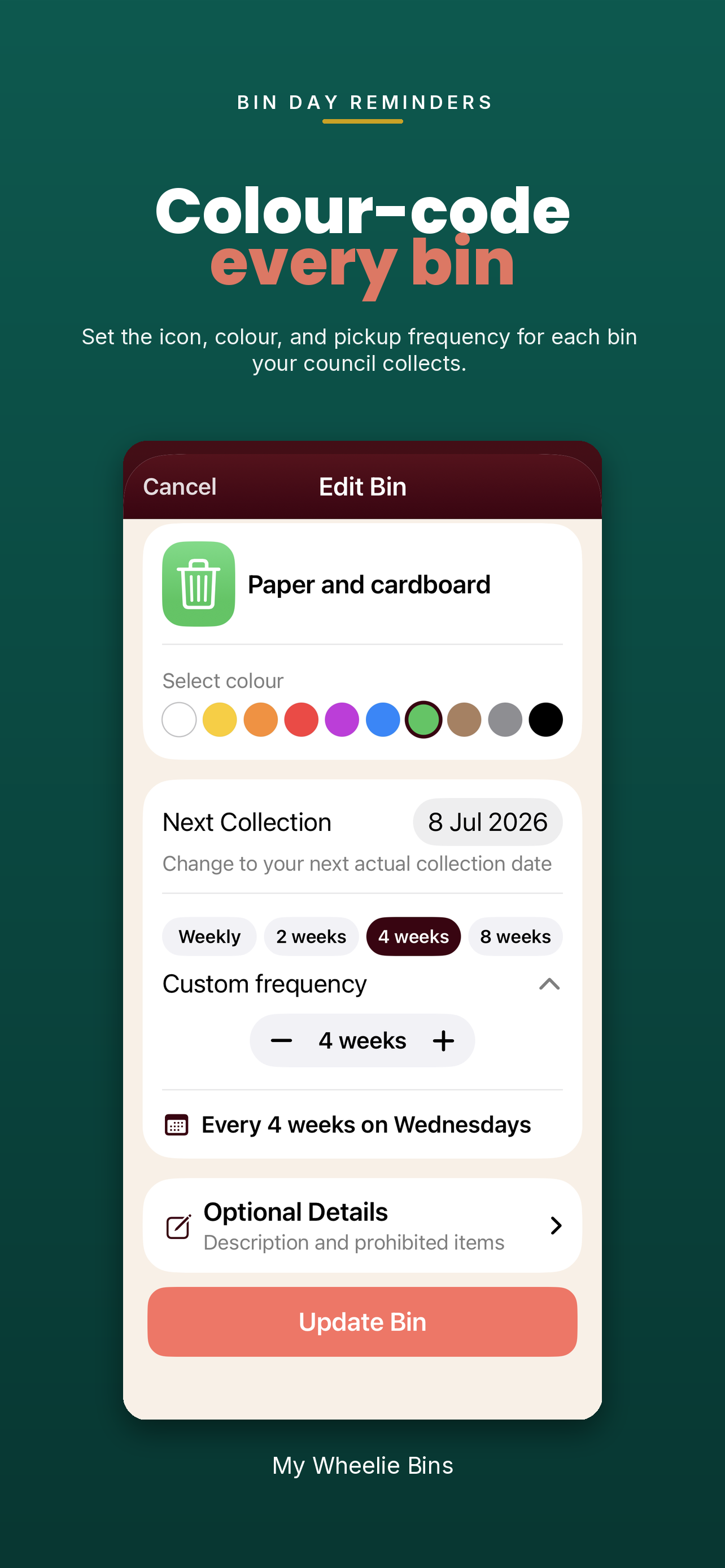
Open the app and add each bin once. Give it a name, pick a colour to match your real bin, set the next collection date and choose how often it repeats.
Can I set more than one reminder?+
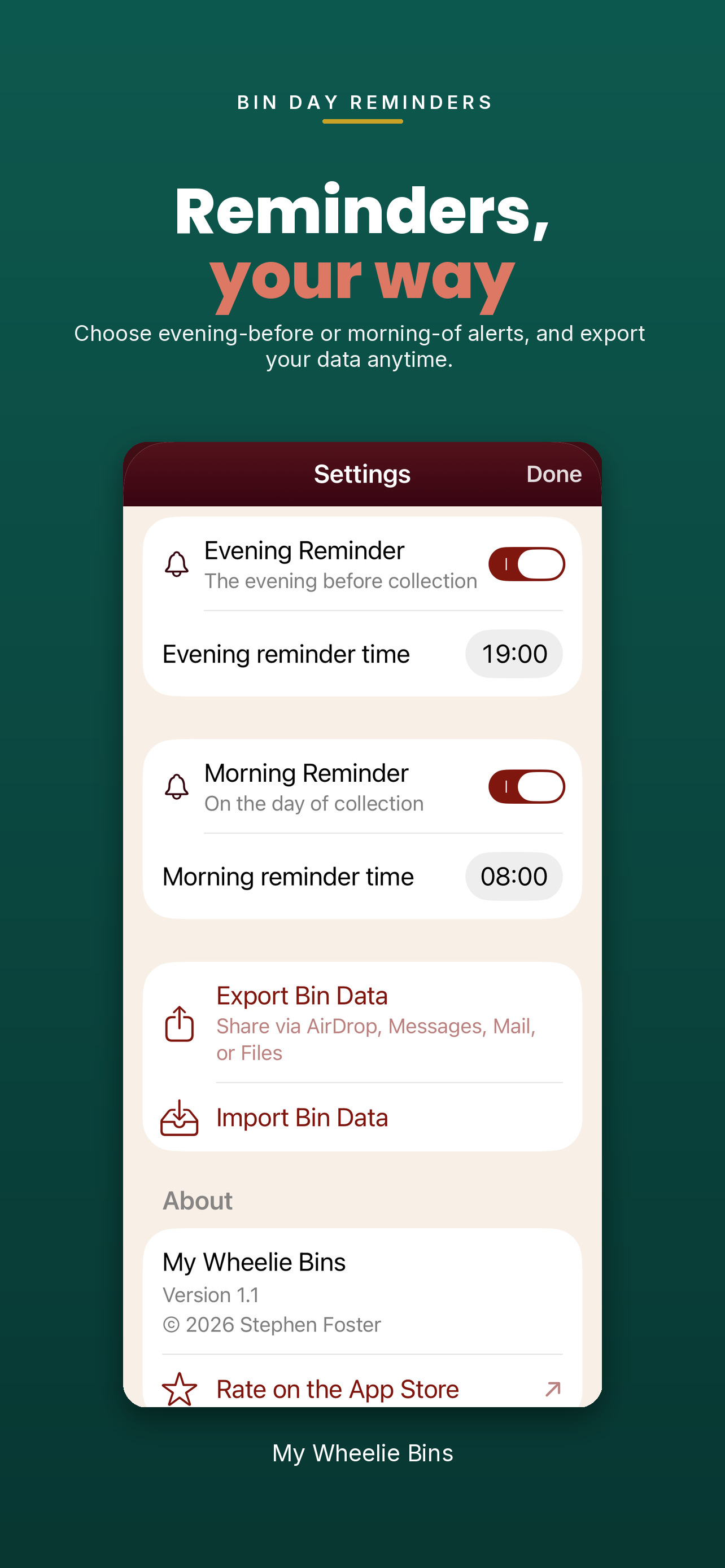
Yes. You can set an evening reminder for the night before collection and enable an optional morning reminder for collection day. Both reminder times are configurable.
Does it work with my council schedule?+
Yes. My Wheelie Bins supports common schedules such as weekly, fortnightly, every four weeks and every eight weeks, plus a custom interval option for other collection patterns.
Can I use widgets?+
Yes. The small widget shows your next bin and when it is due. The medium widget shows the next collection plus your upcoming schedule.
Can I share my bin schedule with someone else?+
Yes. Use import and export to share your schedule by AirDrop, email or Messages. The other person can import it in one tap.
What if a collection is skipped or moved for a holiday?+
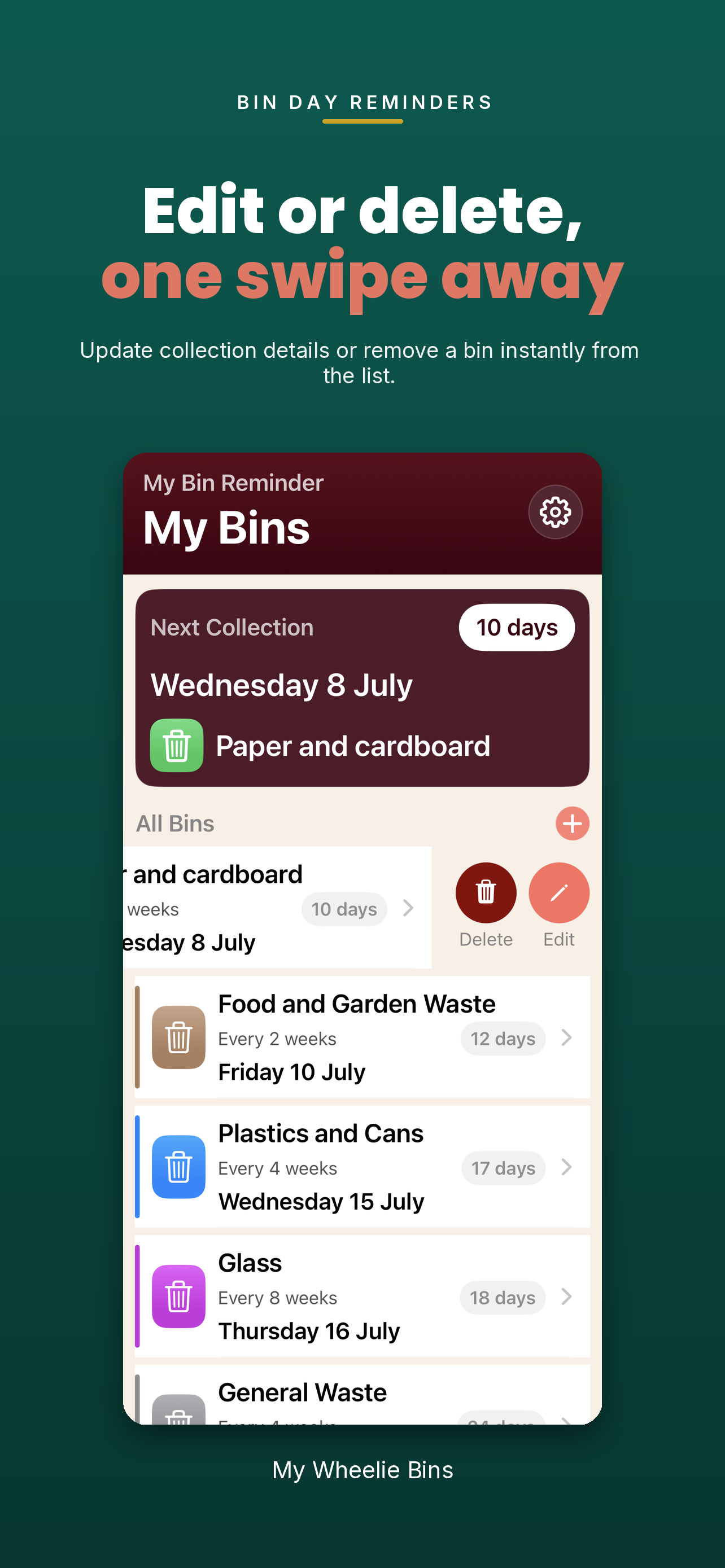
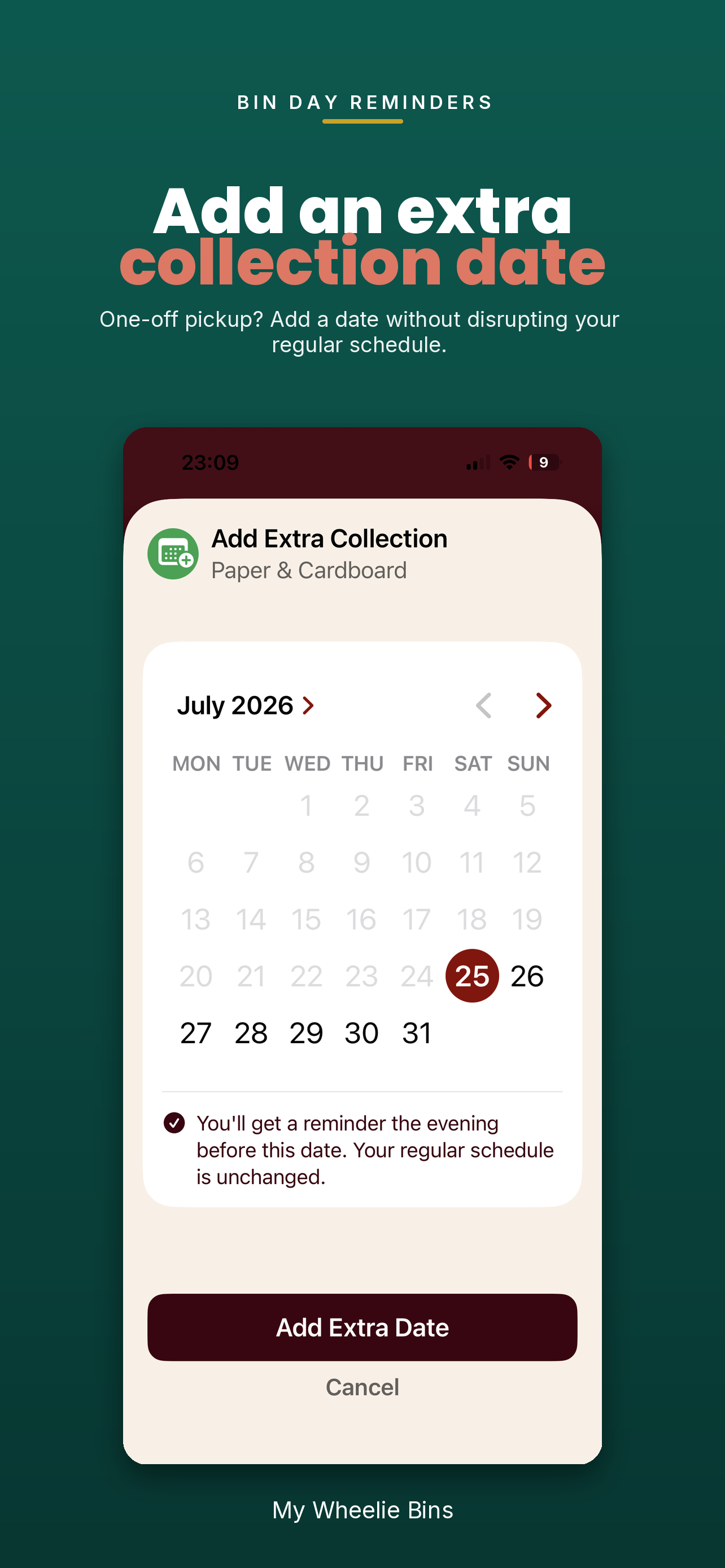
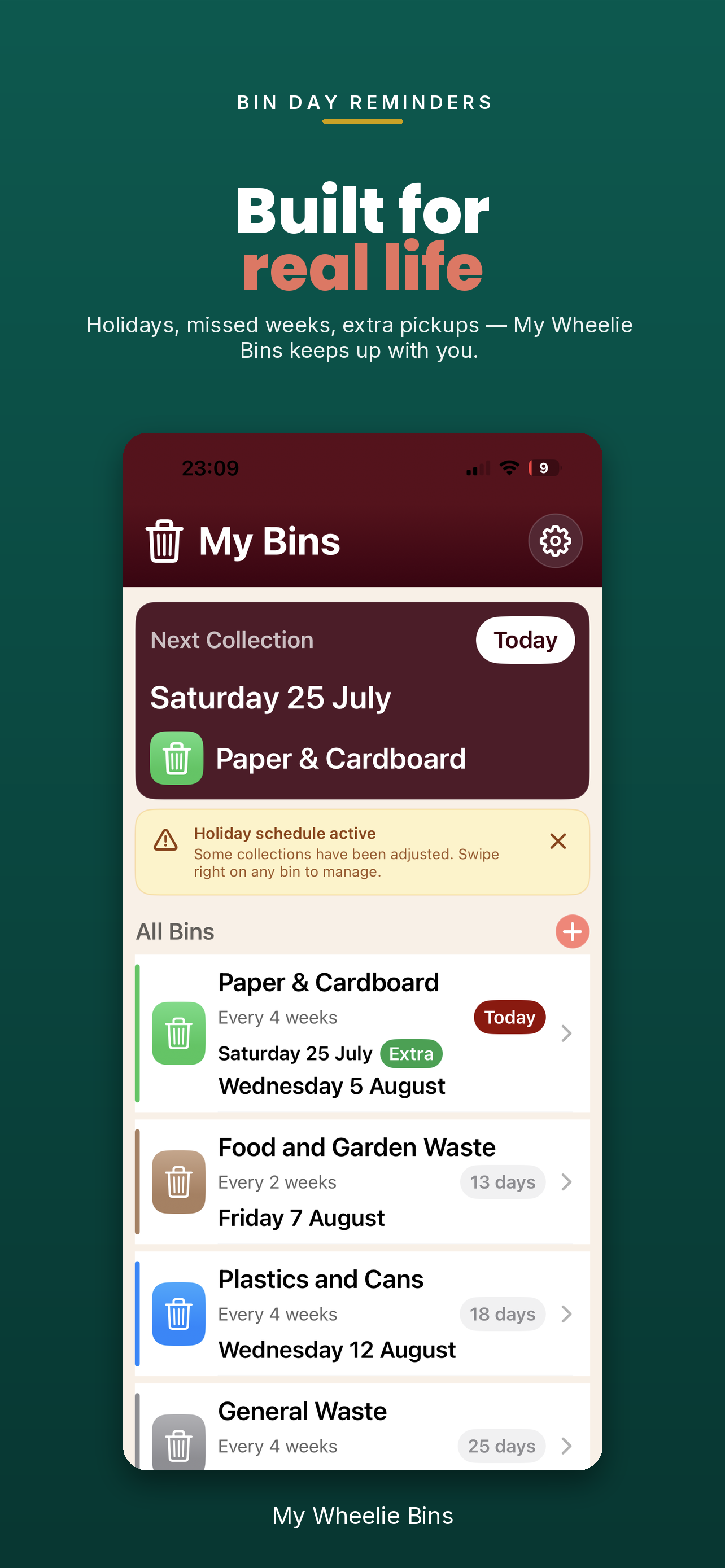
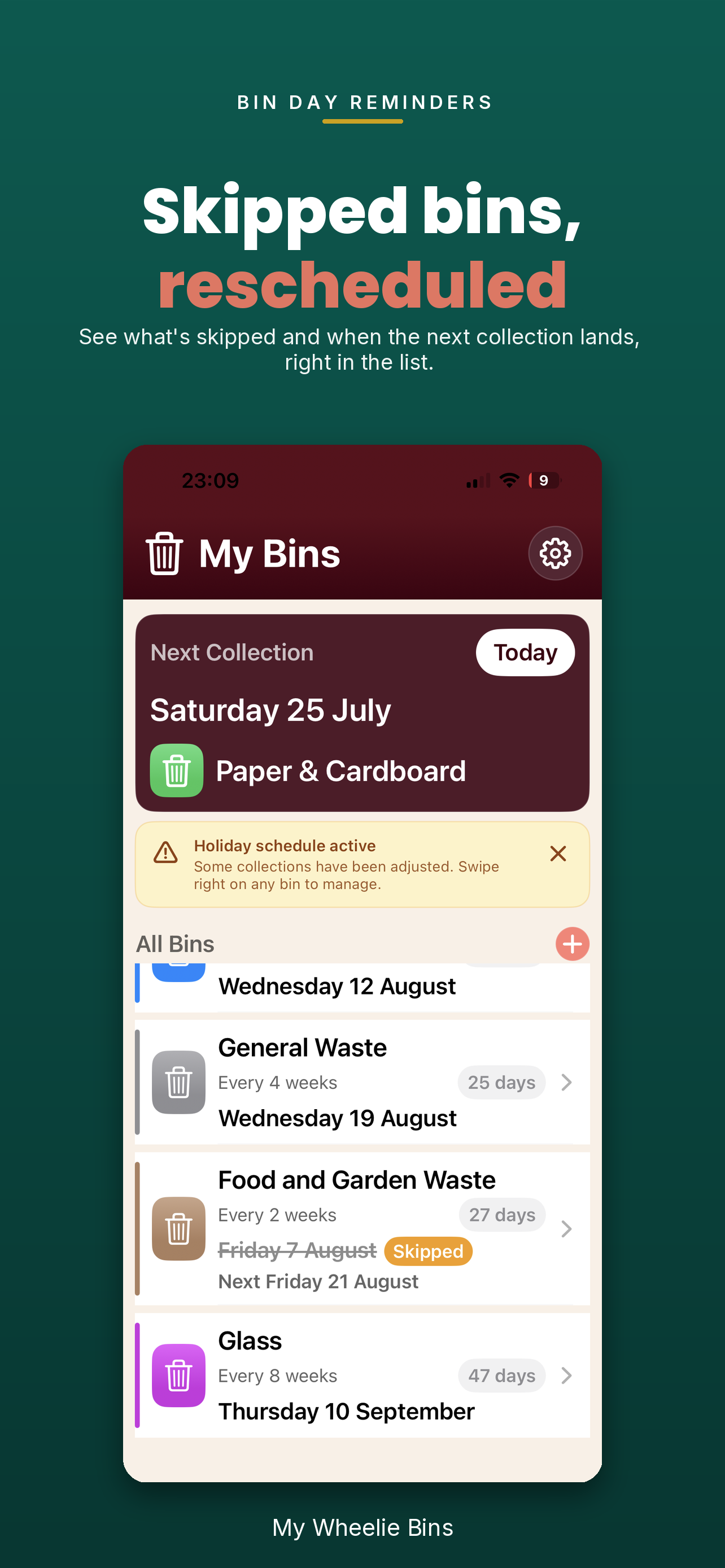
Swipe right on a bin to skip a collection that is not happening, or add a one-off extra collection date. Your regular schedule stays intact and overrides reset automatically once the date passes.